Community Templates
The module provides community templates for development and prototyping. You must eject them before production builds.
Use this guide only when you are using a named community template such as NuxtSeo. If you only need normal page OG images, start with defineOgImage instead.
Ejecting Templates
Community templates are only available in development mode. To use them in production, you must eject them to your project:
npx nuxt-og-image eject NuxtSeoThis copies the template to components/OgImage/ (or app/components/OgImage/ for Nuxt v4) as NuxtSeo.<renderer>.vue. When a template has more than one variant, the CLI picks the renderer your app uses: first the suffix of your existing templates, then the renderer in package.json, then Takumi. To choose the variant yourself, add the suffix: npx nuxt-og-image eject NuxtSeo.takumi or npx nuxt-og-image eject NuxtSeo.satori.
You can list all available templates:
npx nuxt-og-image listAlternatively, use the Eject button in Nuxt DevTools under the OG Image Community tab.
500 error at runtime instead.NuxtSeo
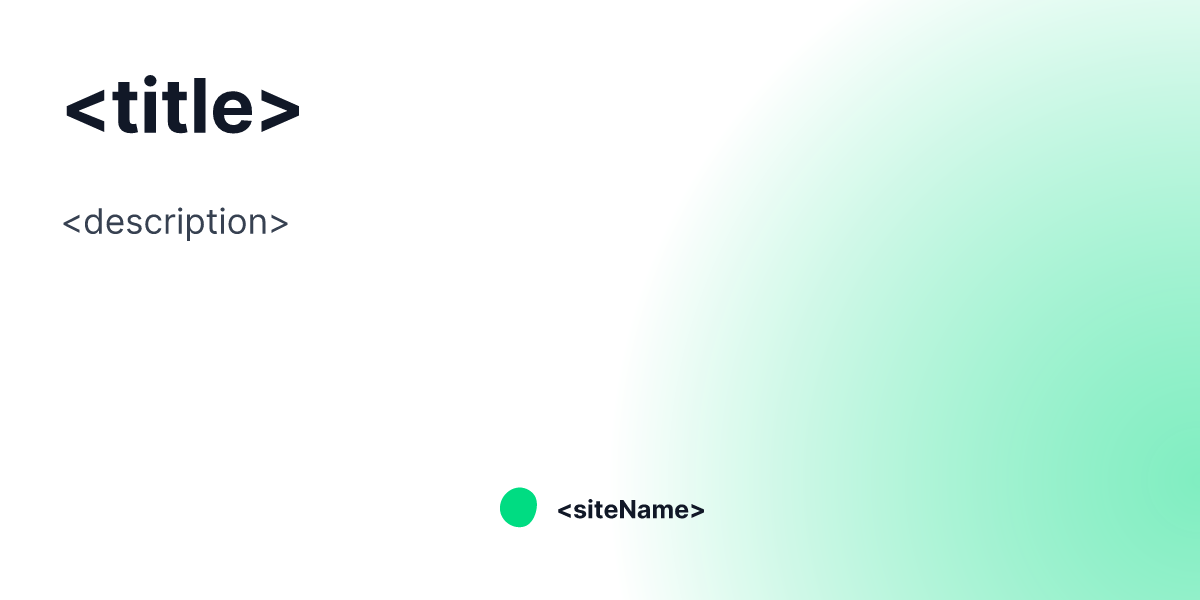
The NuxtSeo template is the default one provided for you. It comes with a number of props
to let you customize it however you like.
Like all Community templates, it's recommended to copy+paste it into your project if you want to customize it. You can find
the source on GitHub (available as both NuxtSeo.satori.vue and NuxtSeo.takumi.vue).
Props
title
Type: string
Default: <title>
The title of the page. This serves as the main heading.
description
Type: string
Default: <meta name="description" />
The description of the page. This serves as the subheading.
isPro
Type: boolean
Default: false
Changes the template to use a purple/violet color scheme instead of green. Useful for distinguishing Pro-tier content.
colorMode
Type: light | dark
Default: light
Changes from a light or dark background / text color. Integrates with @nuxtjs/color-mode, selecting your
default color mode.